
PPT AI
AI PPT Generator — Choose a Template, Generate Slides
Turn your text into a polished presentation with PPT AI—choose from built-in templates, get clean layouts and consistent styling, and export a deck in minutes.
AI PPT Generator
Paste your content, choose a template, and PPT AI generates a clear-structured, high-quality deck in minutes.
How to Use PPT AI
A simple flow: add content → choose a template → generate and export your AI PPT.
Add Your Content
Paste your text and key points; PPT AI analyzes your input and generates a professional presentation outline.
Choose a Template
Choose a template style (pitch/report/class) so the AI PPT layout fits your scenario better.
Generate & Export
Click Generate to get a well-structured AI PPT; preview, download, share, or present it instantly.
PPT AI Key Features
Built to generate clean AI PPT slides from your content—powered by templates and smart layout.
Text-to-Slides Generation
Turn pasted text or bullet points into a structured AI PPT outline and slide-by-slide content automatically.
Template-Based Design
Pick a template and PPT AI applies consistent colors, spacing, and components across the whole deck.
Smart Layout & Typography
Smart layout balances text and visuals with readable hierarchy—titles, sections, and key points stay clear.
One-Click Export
Export your AI PPT in one click—download and share instantly, ready for presenting anywhere.
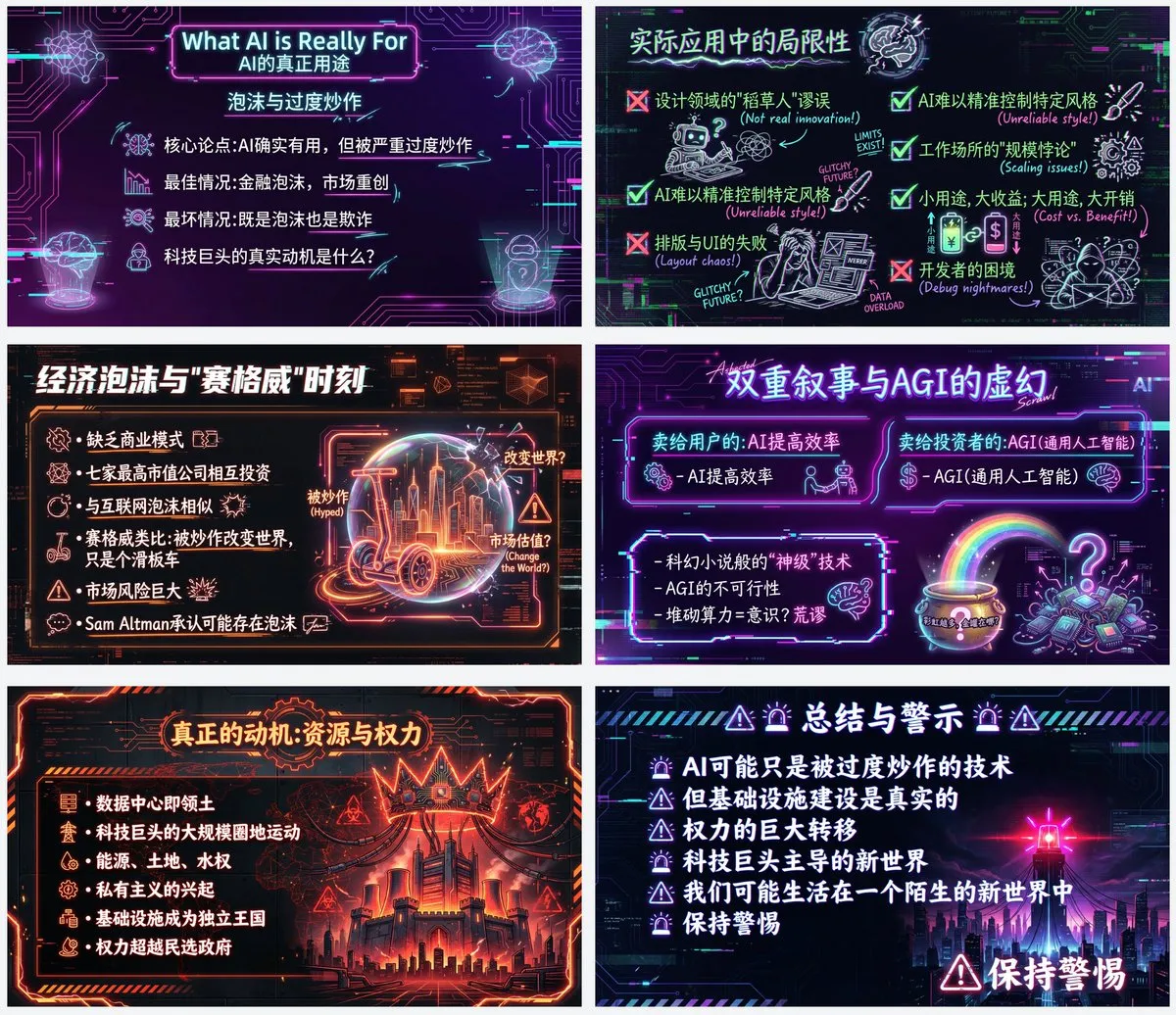
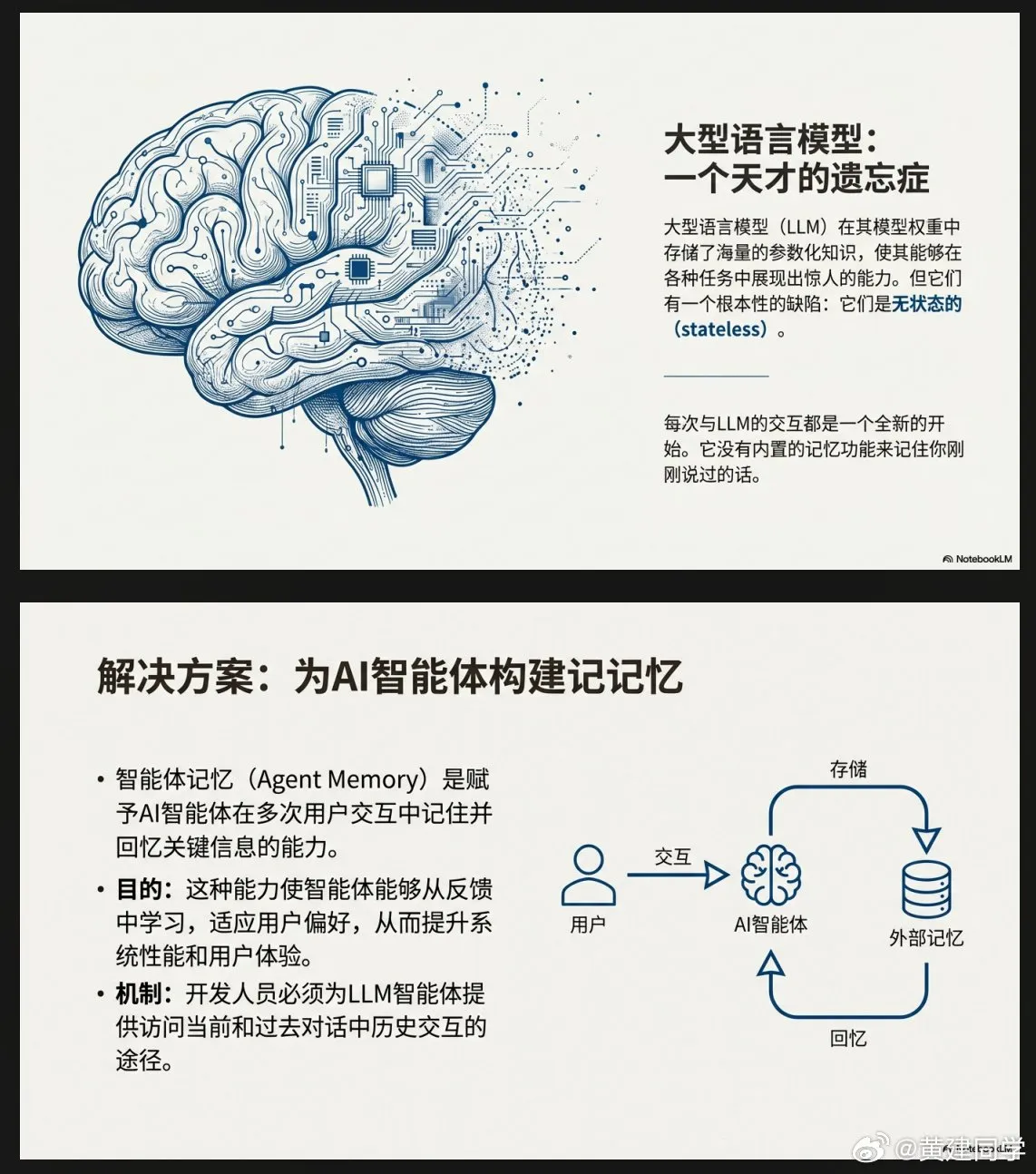
PPT Template Showcase
Explore popular AI PPT templates for pitch decks, reports, education, and marketing—find a layout that fits fast.
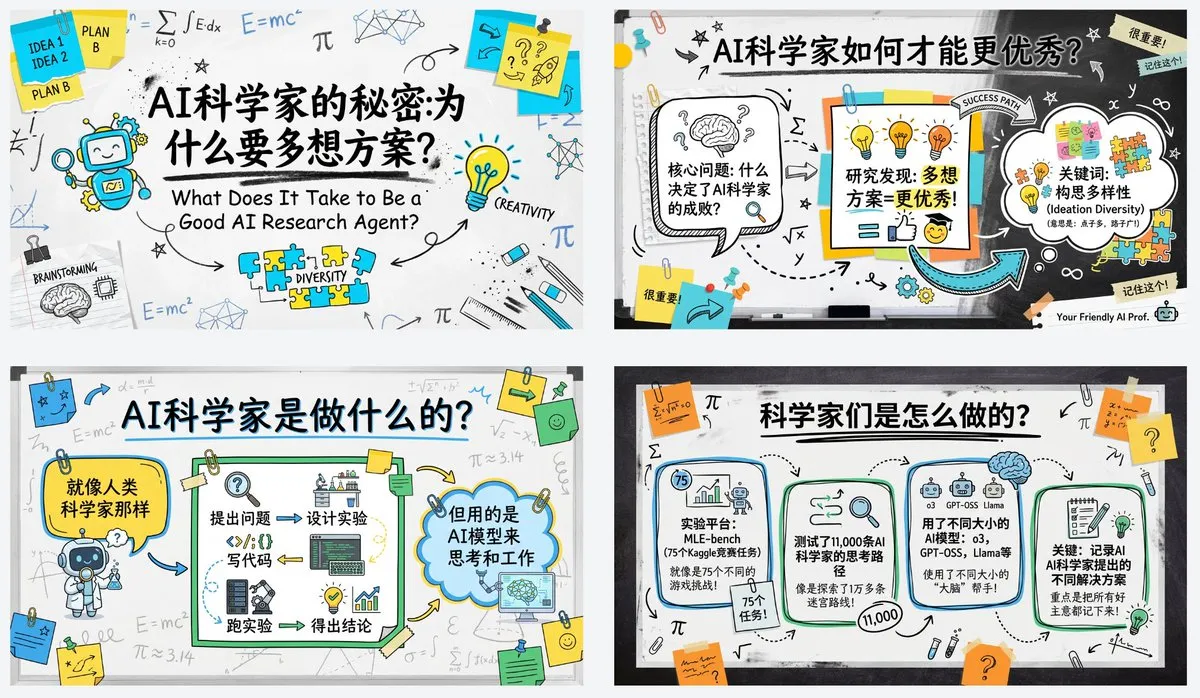
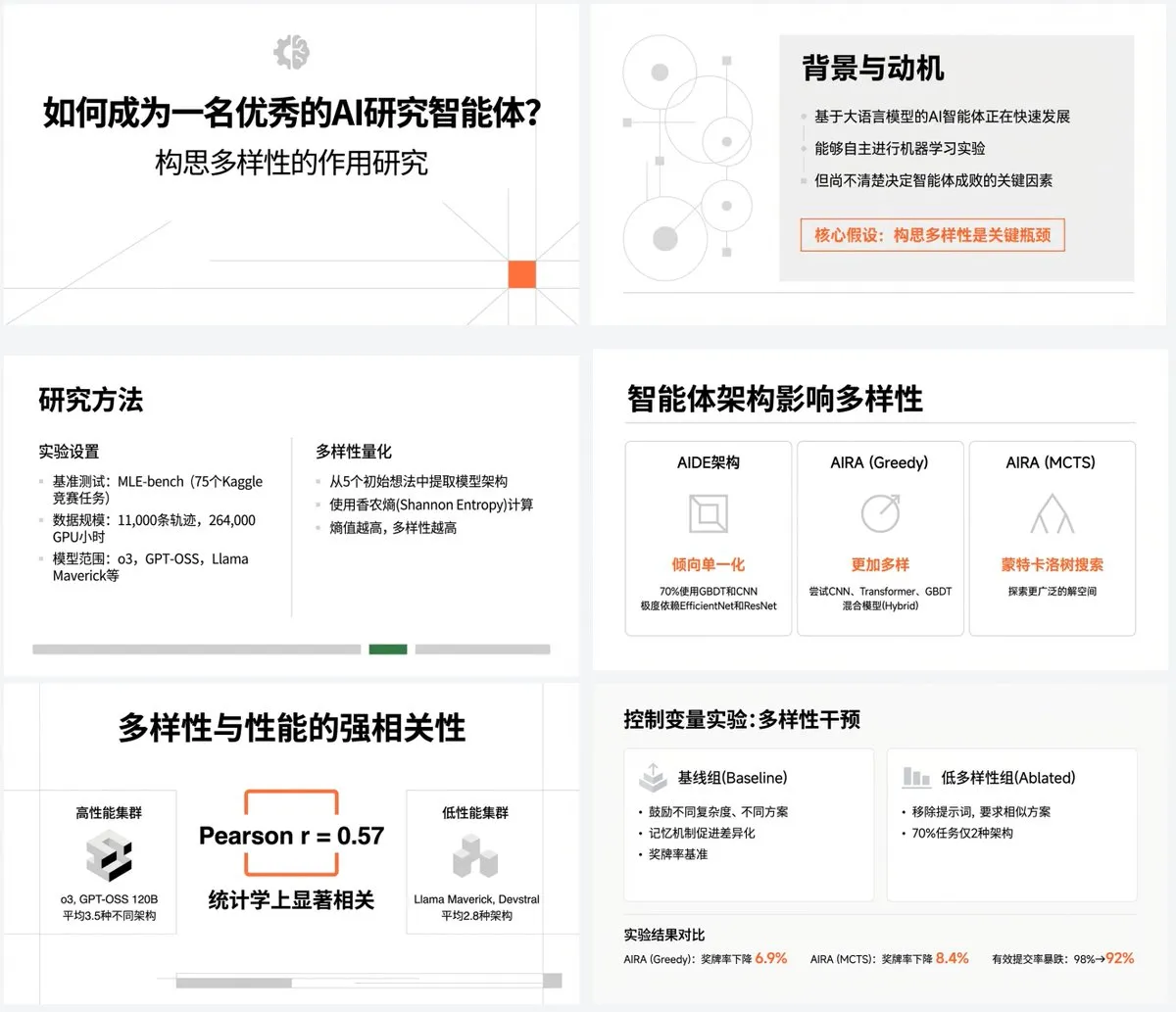
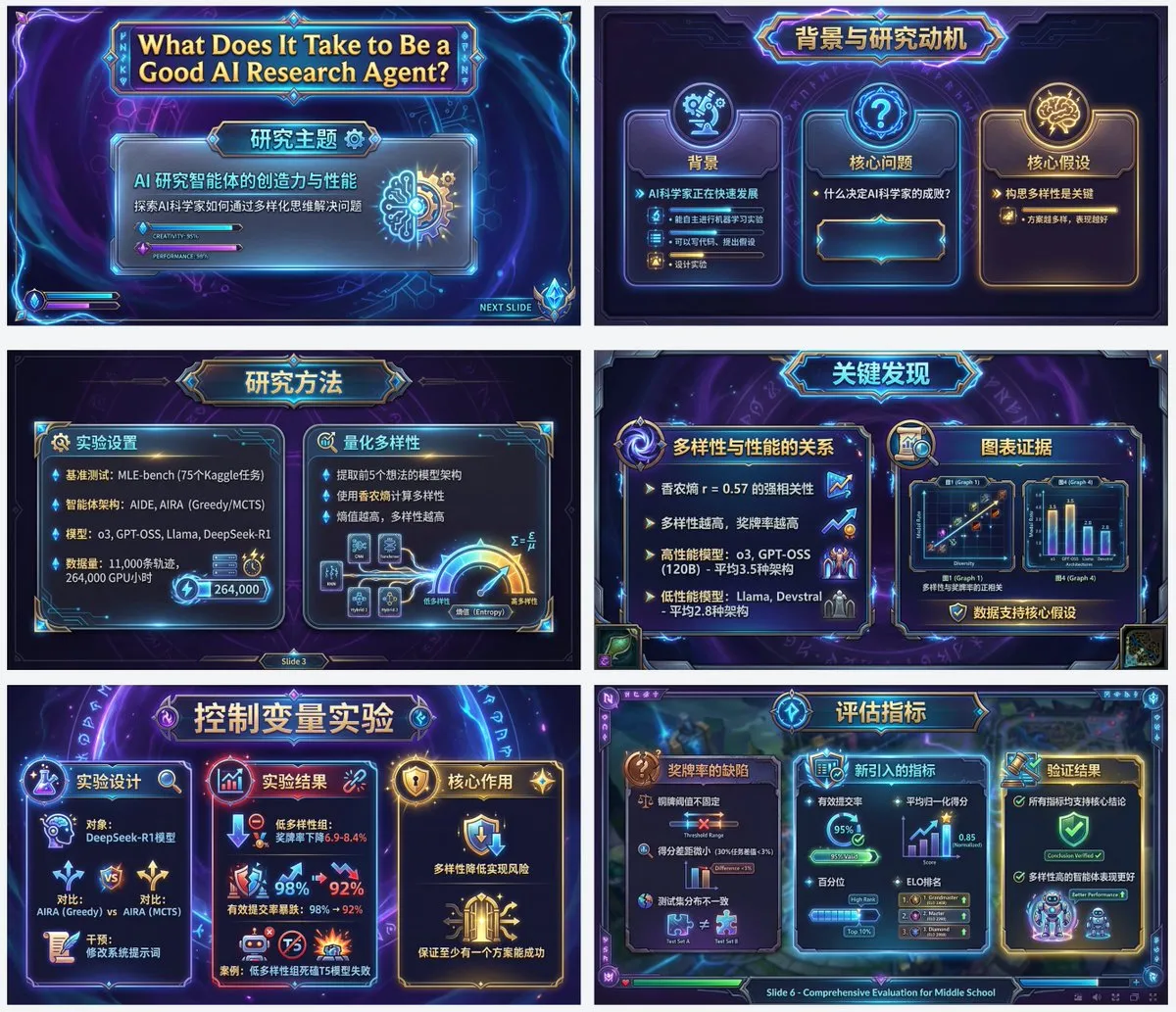
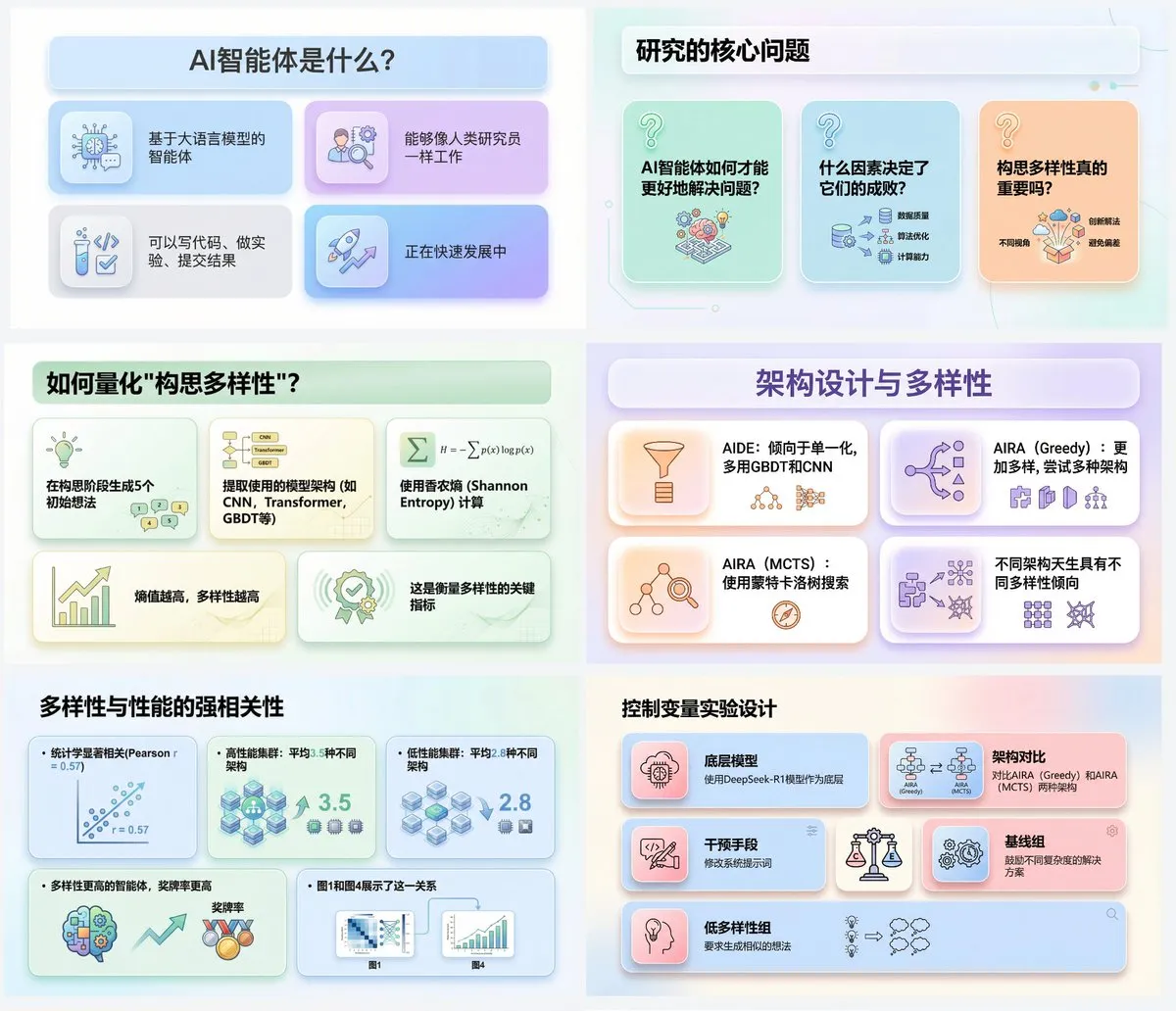
Who Uses PPT AI
PPT AI helps different roles turn ideas into presentation-ready AI PPT faster—without spending hours on design.
Business Meetings, Pitches & Updates
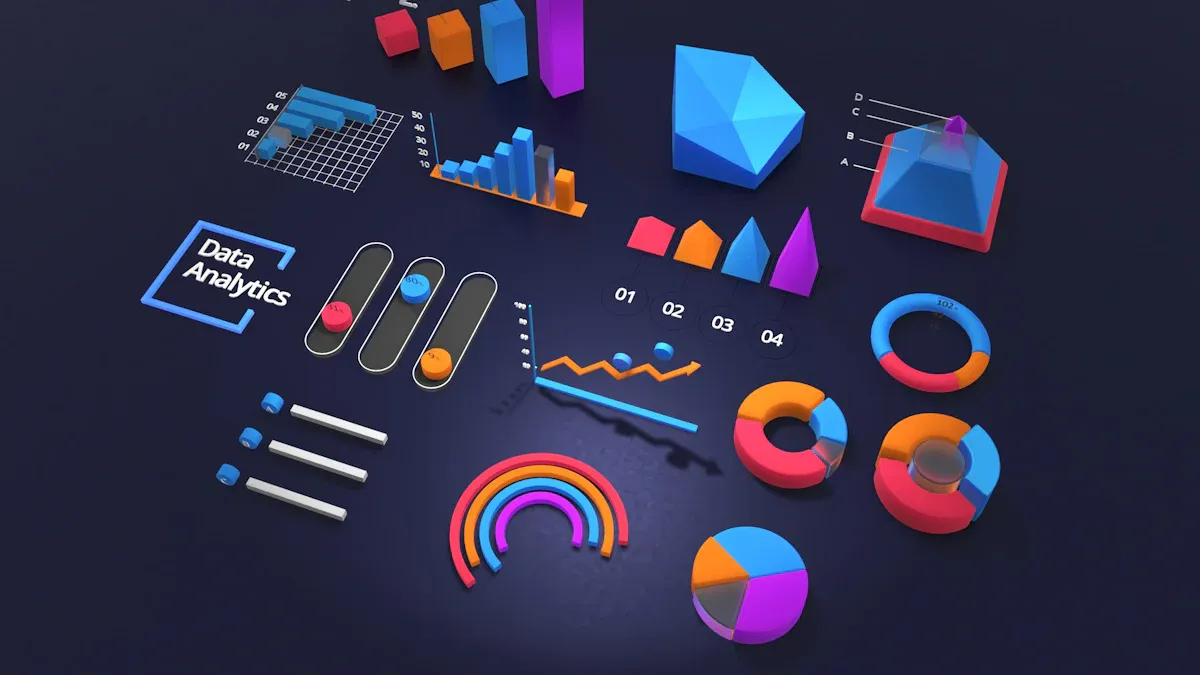
PPT AI helps business teams turn reports, emails, and meeting notes into a polished AI PPT in minutes—clean structure, consistent template style, and ready to present.
Classes, Training & Workshops
Use the AI PPT generator to convert lesson plans, scripts, or training materials into slide-ready outlines, then generate an AI PPT with education-friendly templates—fast and easy to follow.
Client Reports & Proposals
PPT AI turns long client documents into structured AI PPT slides that highlight key data and takeaways—making proposals clearer, more persuasive, and more professional.
Simple, Transparent Pricing
Choose the perfect plan for your needs.
Starter
Includes
- 200 credits per month
- Fast generation
- High-quality downloads
- Commercial License
- Private generation
- Cancel anytime
- Standard customer support
Standard
Includes
- 1000 credits per month
- Fast generation
- High-quality downloads
- Commercial License
- Private generation
- Cancel anytime
- Priority customer support
Premium
Includes
- 3200 credits per month
- Fast generation
- High-quality downloads
- Commercial License
- Private generation
- Cancel anytime
- Priority customer support
FAQ — About PPT AI
Quick answers about PPT AI: how the AI PPT generator works, templates, exports, pricing, and privacy.